

Quest givers and enders
The Quest Giver module says who offers the quest (Starts at) and who takes it back (Ends at).
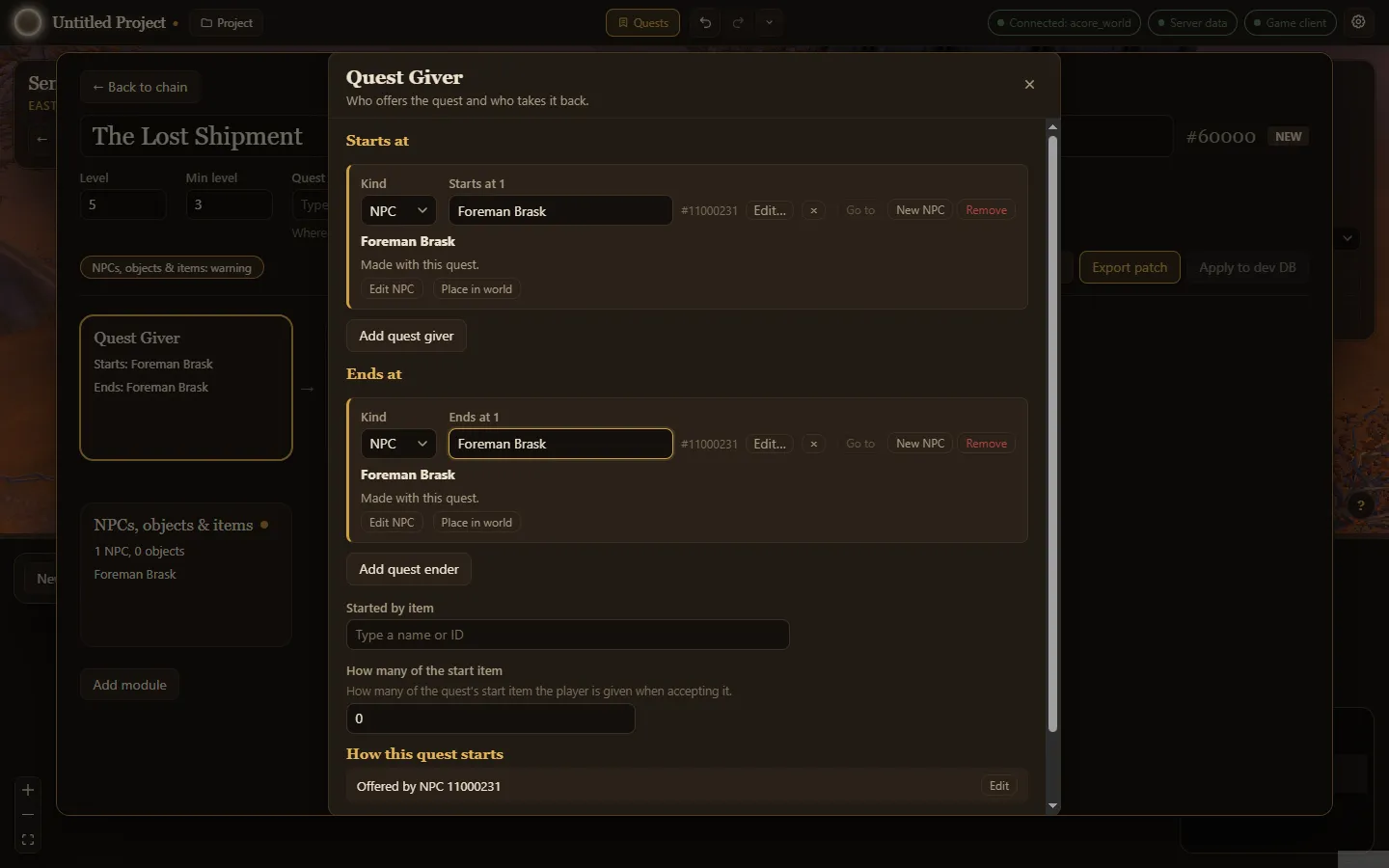
Add a giver
Section titled “Add a giver”- Open Quest Giver and choose Add quest giver.
- Pick the Kind: an NPC or an object.
- Either type the name or ID of one that already exists, or choose New NPC to make one just for this quest. The NPC editor opens; choose Done when it looks right.
A new NPC is marked Made with this quest. Its card offers Edit NPC, Place in world and, once placed, Draw patrol.
Add an ender
Section titled “Add an ender”Choose Add quest ender and pick who takes the quest back in the same way. Without an ender, the module warns: Nothing takes this quest back.
Other ways a quest starts
Section titled “Other ways a quest starts”- Started by item: an item that starts the quest when used, and How many of the start item the player is given when accepting it.
- How this quest starts sums up what you set, such as Offered by NPC ….
- What this quest unlocks shows which quest this one leads to, if any.
Put the giver in the world
Section titled “Put the giver in the world”Choose Place in world on the giver’s card. The quest editor steps aside and each click on the ground in the World puts the NPC down there. Done or Esc brings the editor back on the same panel. Once it stands somewhere, Draw patrol draws its patrol the same way.