

Exporting and applying
Your work leaves the app as SQL. The quest’s header has three buttons for it: Changes, Export patch and Apply to dev DB.
Review the changes
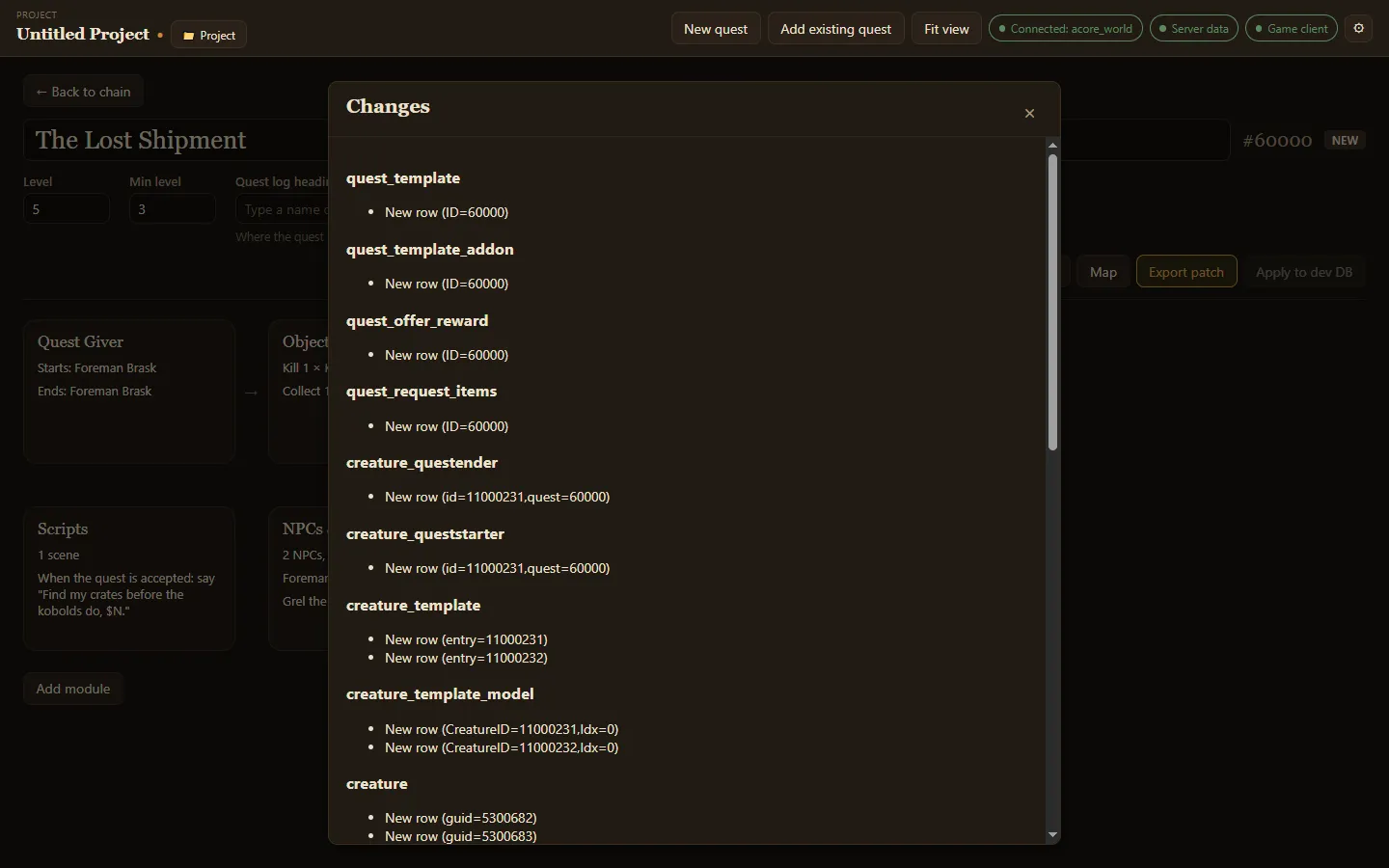
Section titled “Review the changes”Changes lists every database row the quest adds or changes, grouped by table. An existing quest you opened but did not edit says No changes since this quest was loaded.
Export a patch
Section titled “Export a patch”Export patch writes the quest’s changes to an .sql file and shows where it saved it. Files go to the Export folder set in Settings, or to Documents/ACORE Quest Creator/sql when none is set. Run the file against your world database, or hand it to your server admin.
The app refuses to export a quest it cannot write back faithfully. The button is then disabled and says why: Unsafe to export. It also refuses while a module has an error, listing what to fix.
Apply to a dev database
Section titled “Apply to a dev database”Apply to dev DB writes the changes straight into your dev database, after asking you to confirm. It is disabled until you add a dev database in Settings.
Then test it in game.