

Readable objects
A readable object shows pages of text when a player uses it: a ledger, a note pinned to a door, a memorial plaque. Usable objects can show pages too.
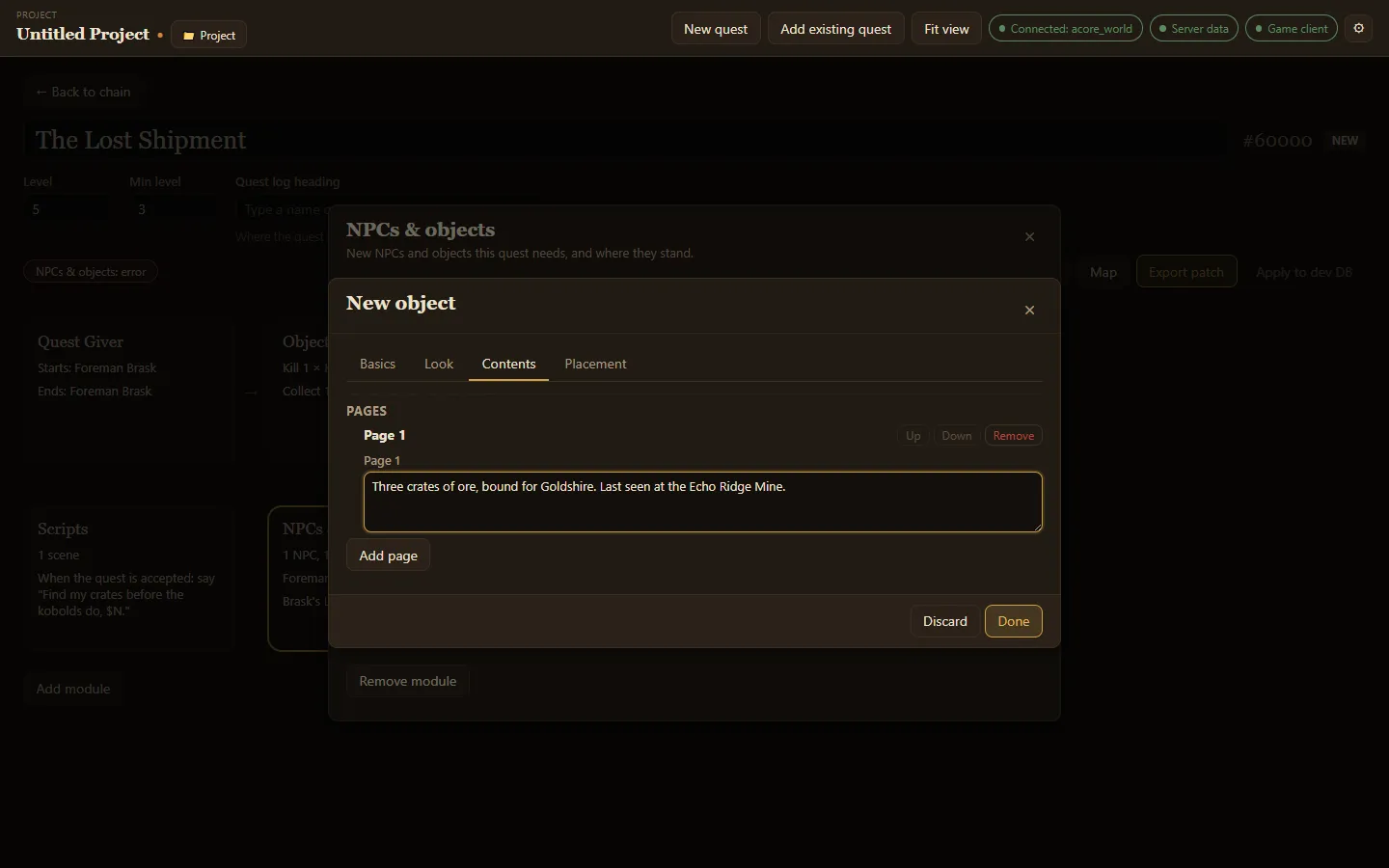
Make one
Section titled “Make one”- In NPCs & objects, choose Add object.
- On Basics, give it a Name and set Type to Readable.
- On Look, choose Other ways and browse models, for example
bookorscroll. - On Contents, choose Add page and write the text. Add as many pages as you need; using the object shows the first page, and the player turns to the next.
- On Placement, add a spawn so it appears in the world.
- Choose Done.
Use Up and Down to reorder pages and Remove to delete one.
After you apply the quest to your test server, the .reload page_text command in Test in game loads new pages without a restart. A new object itself appears only after a server restart.