

Test in game
Test in game, in the quest’s header, lists the chat commands to try the quest on your test server as a GM. Copy puts one on the clipboard.
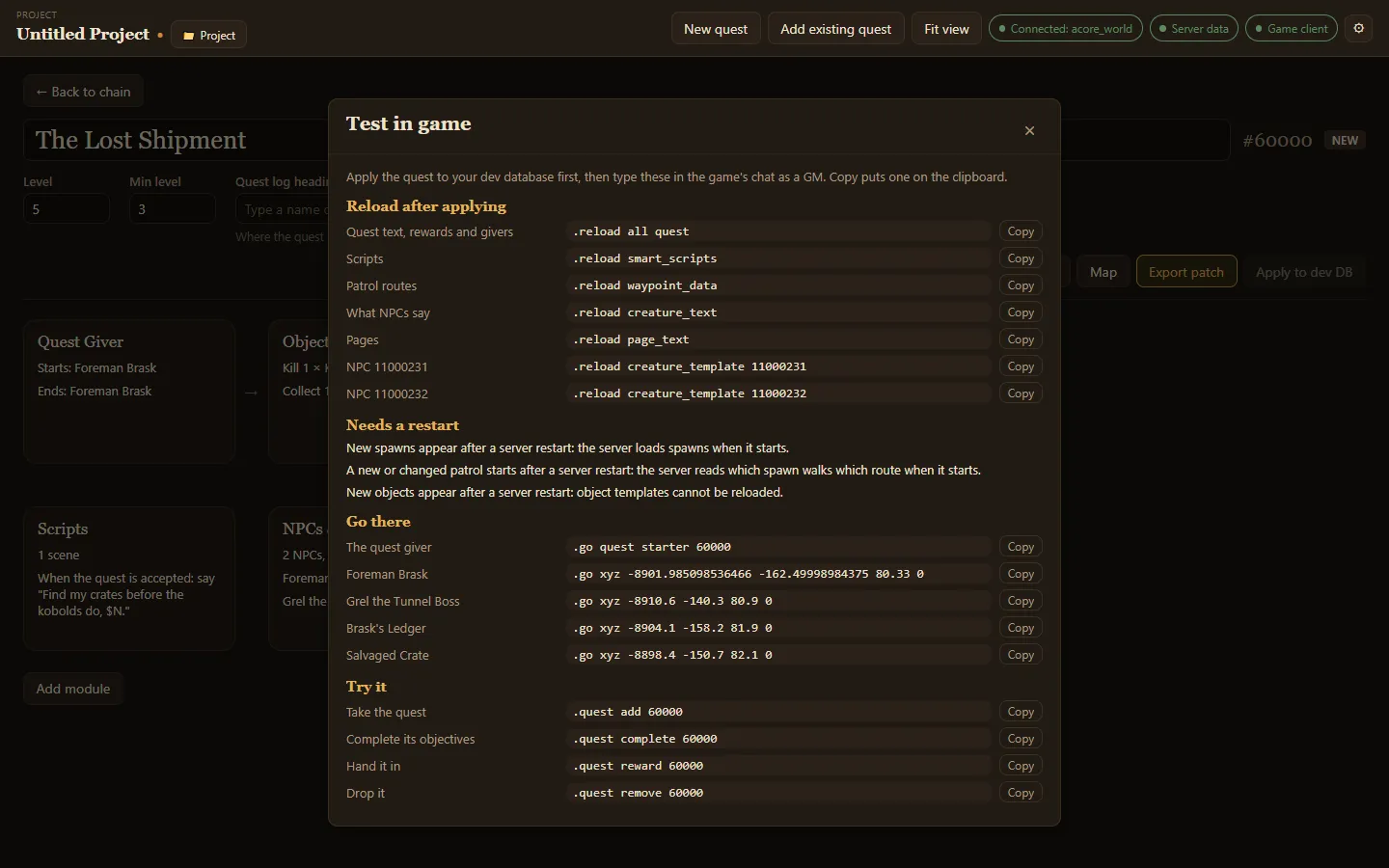
Apply the quest to your dev database first (see Exporting and applying), then use the commands in order.
Reload after applying
Section titled “Reload after applying”Commands that load your changes without restarting the server: quest text, rewards and givers, scripts, patrol routes, what NPCs say, pages, and each new NPC’s template. The list only shows the ones your quest needs.
Needs a restart
Section titled “Needs a restart”Some changes only load when the server starts, and the panel says which:
- new spawns,
- a new or changed patrol,
- new objects.
Go there
Section titled “Go there”A .go command for the quest giver and for each new NPC and object, to travel straight to it.
Try it
Section titled “Try it”- Take the quest:
.quest add - Complete its objectives:
.quest complete - Hand it in:
.quest reward - Drop it:
.quest remove